Forward-proxy egress control
One controllable egress point. Block domains and IPs (CIDR + wildcard), one-click import of curated blocklists, geo-based blocking, and an optional default-deny egress allowlist.
One controllable egress point for your network — Squid forward proxy + a real WAF (ICAP) + DNS sinkhole + a modern UI, in a single Docker Compose stack. The self-hosted counterpart to cloud SWGs, with no traffic leaving your network.

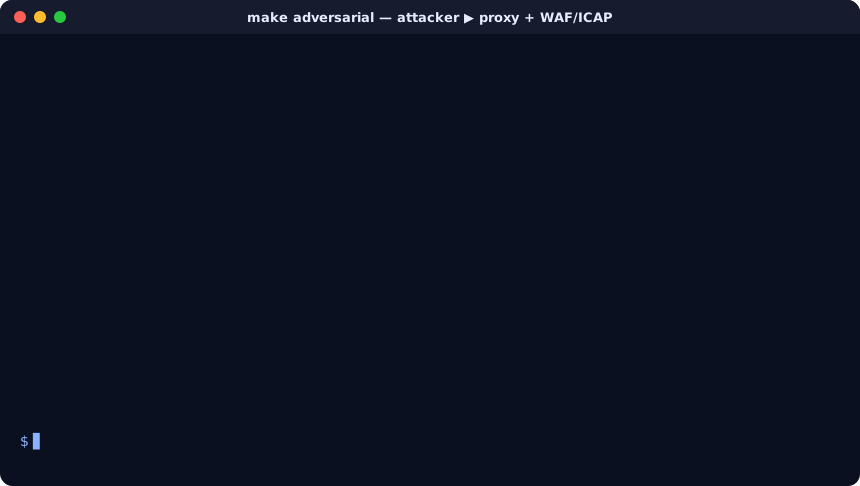
Malicious requests get 403'd at the proxy by the WAF; benign traffic passes.
| Capability | Pi-hole / AdGuard | Nginx Proxy Manager | Cloud SWG (Zscaler…) | Zion | Secure Proxy Manager |
|---|---|---|---|---|---|
| DNS sinkhole | ✅ | — | ✅ | — | ✅ |
| Forward proxy (egress control) | — | — | ✅ | — | ✅ |
| HTTP request/body inspection (WAF) | — | — | ✅ | ✅ | ✅ |
| Default-deny egress allowlist | — | — | ✅ | — | ✅ |
| Reverse proxy / ingress | — | ✅ | — | ✅ | — |
| Self-hosted — traffic stays local | ✅ | ✅ | — | ✅ | ✅ |
| Free / no per-seat cost | ✅ | ✅ | — | ✅ | ✅ |
SPM is the self-hosted outbound counterpart to a cloud Secure Web Gateway — WAF inspection + DNS sinkholing + egress control, on your own metal.
Pair it with Zion — a single-binary Rust TLS reverse proxy with a built-in WAF — to cover the other direction: Zion inspects traffic coming in, SPM controls what goes out. Both self-hosted, both single-purpose, no cloud.
An adversarial e2e harness (make adversarial, gated in CI) drives real attack traffic through the running proxy + WAF and fails the build on any regression — five planes:
SPM_URL=http://localhost:5001 SPM_USERNAME=admin SPM_PASSWORD=… uvx spm-mcpExposes the management API as MCP tools so an assistant/agent can query traffic, manage block/allow lists, toggle WAF categories, and reload config.
curl -fsSL https://raw.githubusercontent.com/fabriziosalmi/secure-proxy-manager/main/deploy/install.sh | sudo bashThe installer checks Docker, generates random admin credentials, pulls the signed images, and starts the stack. Then point a client at the proxy on :3128 and open the dashboard. See the Getting Started guide.